Diploma
 for ICT Academy.png)
Automation Developer Associate Training (v2023.10) for ICT Academy
This training provides foundational knowledge of UiPath RPA development, covering core automation concepts, Studio environment, workflows, and best practices for building efficient automation solutions aligned with industry standards.
Build your first automation process with Studio
This course introduces UiPath Studio by guiding learners through the creation of their first automation workflow. It covers basic activities, project structure, and the step-by-step process of building a simple end-to-end automation solution.

Control Flow in Studio
This course explains how to design intelligent automation workflows using control flow activities in UiPath Studio. It covers decision-making, loops, and branching logic to create structured and efficient automation processes.
Data Manipulation with Data Tables in Studio
This course focuses on handling structured data using Data Tables in UiPath Studio. It covers reading, filtering, updating, and transforming tabular data to build efficient data-driven automation workflows.
Data Manipulation with Lists and Dictionaries in Studio
This course teaches how to manage dynamic data using Lists and Dictionaries in UiPath Studio. It focuses on storing, organizing, and retrieving data efficiently to support scalable and flexible automation workflows.
Data Manipulation with Strings in Studio
This course covers techniques for processing and manipulating text data in UiPath Studio. It includes string operations such as extraction, formatting, validation, and transformation used in real-world automation scenarios.

Debugging in Studio
This course explains how to identify and resolve workflow issues using debugging tools in UiPath Studio. It covers breakpoints, step execution, logging, and troubleshooting techniques to ensure reliable automation development.
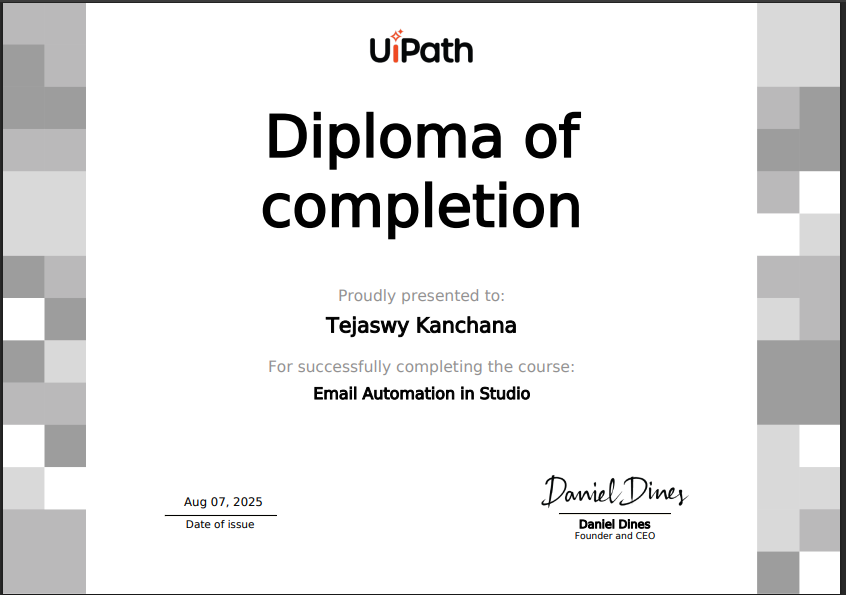
Email Automation in Studio
This course introduces email automation using UiPath Studio, covering sending, receiving, and processing emails through Outlook, Gmail, and SMTP/IMAP protocols to automate communication-based business processes.
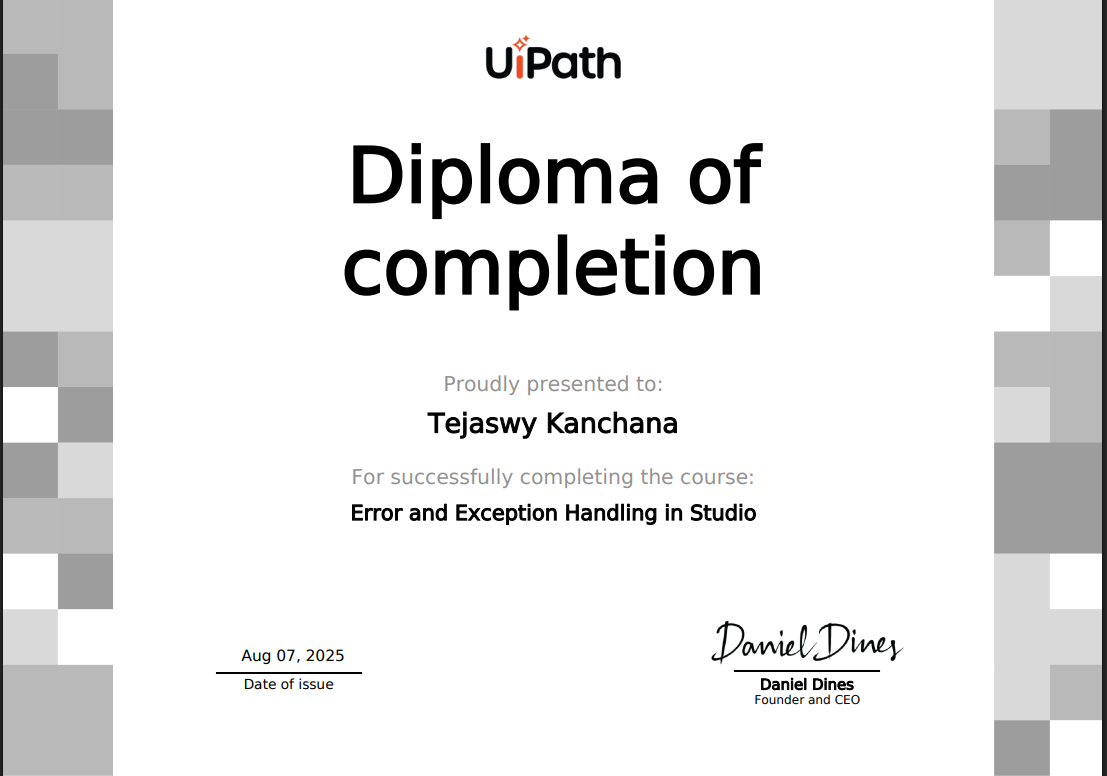
Error and Exception Handling in Studio
This course focuses on managing errors and exceptions in UiPath workflows. It covers try-catch mechanisms, retry strategies, and best practices to build stable and fault-tolerant automation solutions.
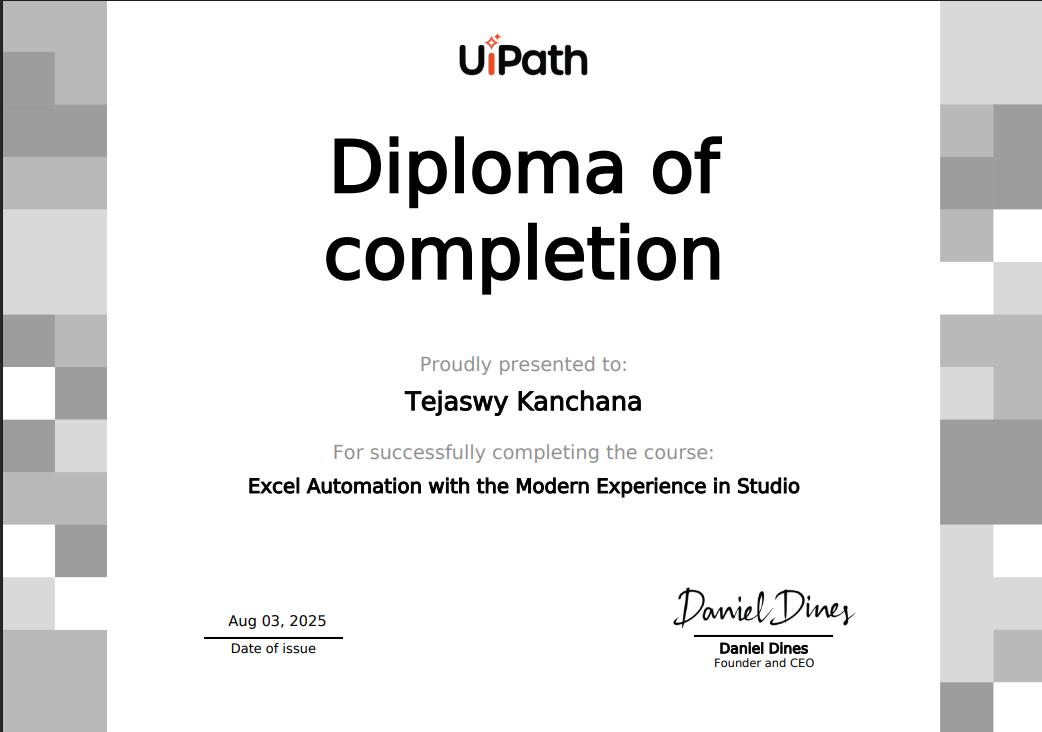
Excel Automation with the Modern Experience in Studio
This course teaches how to automate Excel tasks using UiPath’s Modern Experience. It covers reading, writing, formatting, and managing Excel data efficiently without relying heavily on traditional Excel dependencies.
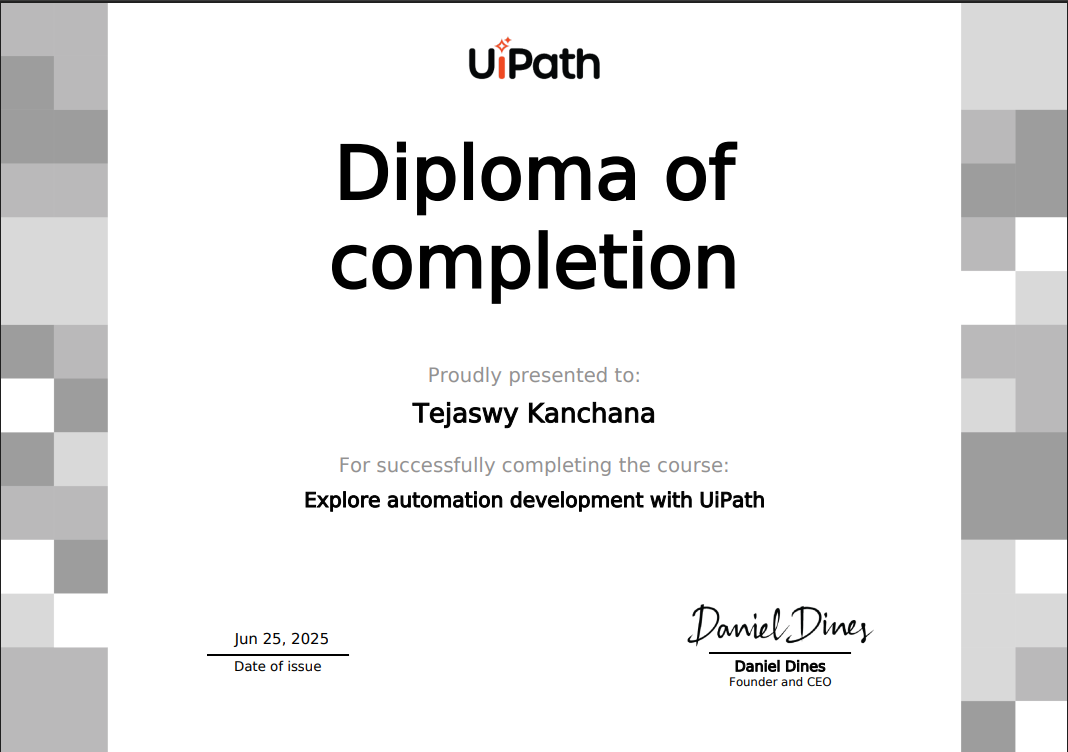
Explore automation development with UiPath
This course provides an overview of automation development using UiPath, introducing core concepts of RPA, workflow design, and the role of automation in improving business efficiency and productivity.
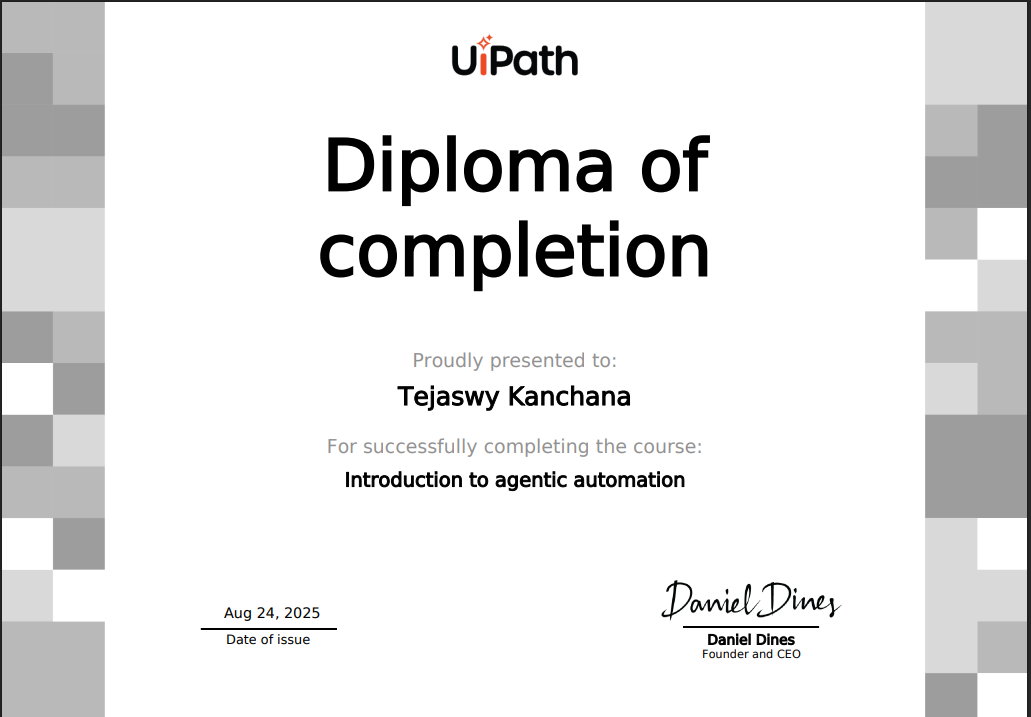
Introduction to Agentic Automation
Agentic Automation is an advanced form of intelligent automation where software agents can understand goals, make decisions, and perform tasks autonomously. Unlike traditional rule-based automation, it combines Artificial Intelligence, Large Language Models (LLMs), and Robotic Process Automation (RPA) to handle dynamic and complex business processes.
These digital agents can analyze information, plan actions, interact with applications, and continuously improve through learning. Agentic Automation enables organizations to build smarter, adaptive, and end-to-end automated workflows with minimal human intervention.
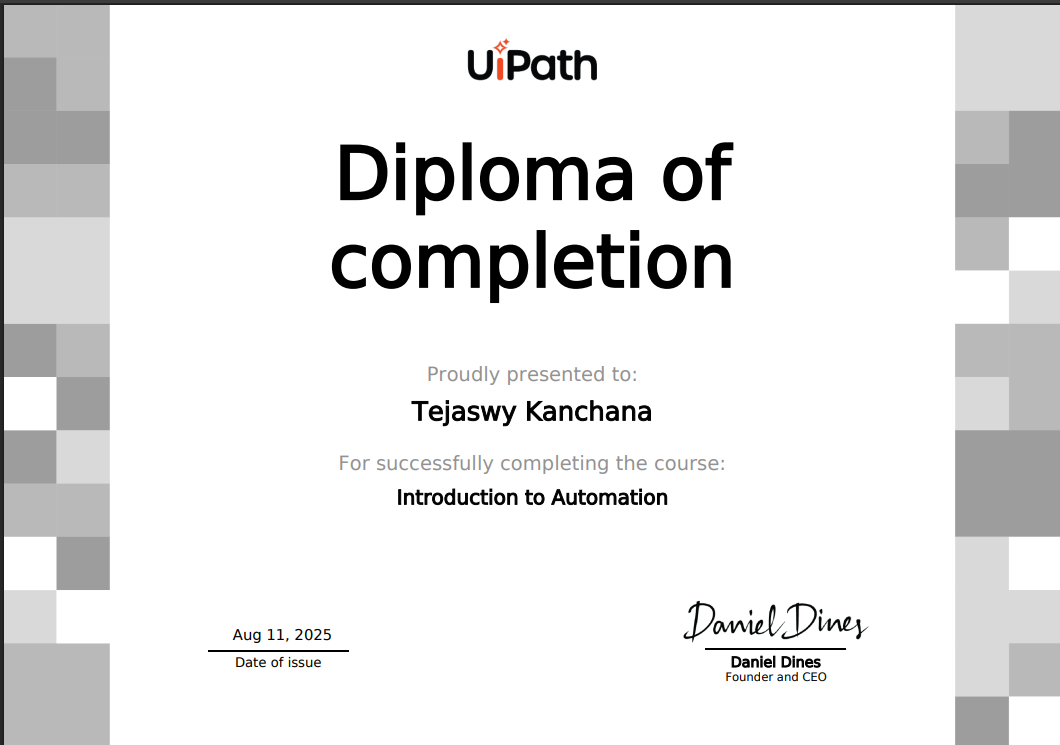
Introduction to Automation
Automation is the use of technology to perform tasks automatically with minimal human involvement. It focuses on executing repetitive and rule-based processes efficiently, improving accuracy, productivity, and operational consistency.
By leveraging tools such as Robotic Process Automation (RPA) and workflow technologies, automation helps organizations streamline operations, reduce manual effort, and focus on higher-value activities that drive innovation and business growth.

Introduction to Logging in Studio
Logging in UiPath Studio involves recording workflow execution details to monitor robot activities and track automation performance. It helps developers understand process flow, detect issues, and maintain reliable automation solutions.
Using different logging levels such as Info, Warning, and Error, developers can capture meaningful execution data, making debugging, monitoring, and maintenance easier throughout the automation lifecycle.
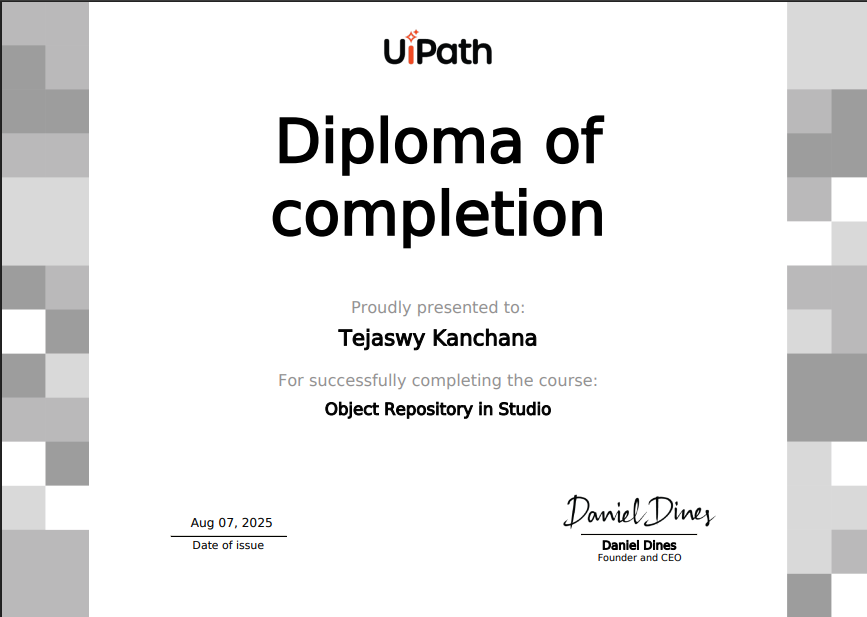
Object Repository in Studio
The Object Repository in UiPath Studio is a centralized system for storing and managing reusable UI elements used in automation workflows. It allows developers to capture application elements once and reuse them across multiple processes.
By maintaining selectors in a single location, the Object Repository improves consistency, simplifies maintenance, and enhances automation reliability, especially in large and scalable enterprise automation projects.
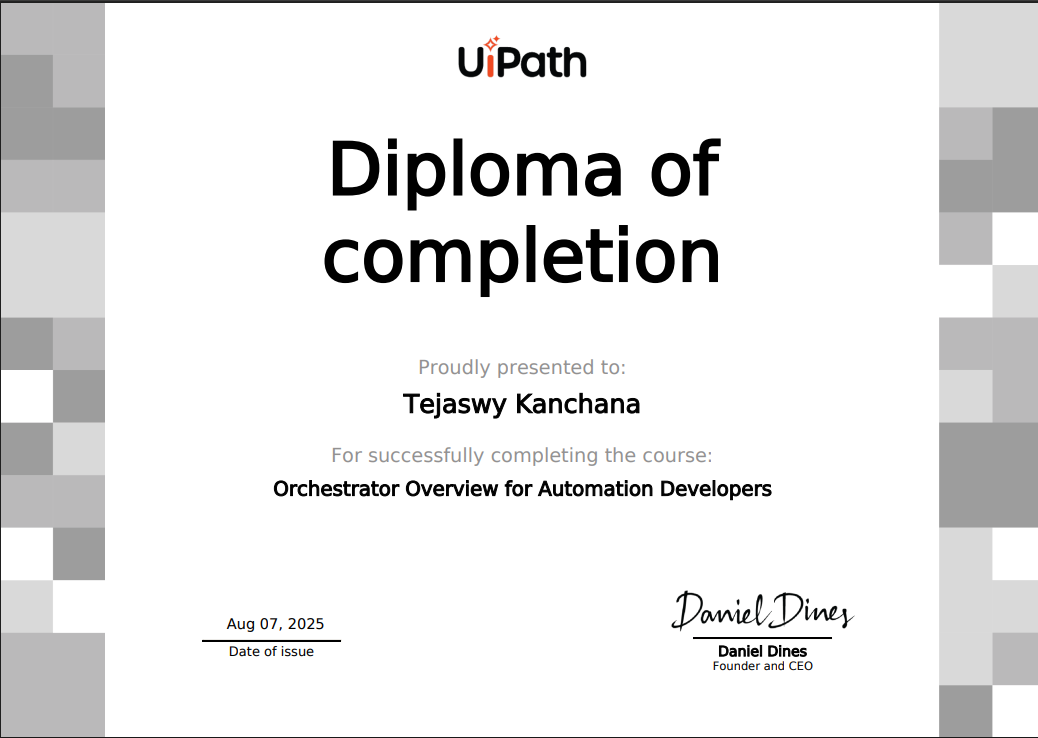
Orchestrator Overview for Automation Developers
UiPath Orchestrator is a web-based platform used to deploy, manage, monitor, and control automation robots and processes. It enables automation developers to schedule workflows, manage packages, handle queues, and monitor robot execution from a centralized environment.
Orchestrator plays a key role in enterprise automation by ensuring secure execution, efficient resource management, and real-time monitoring of automated processes at scale.
PDF Automation in Studio
PDF Automation in UiPath Studio focuses on extracting, reading, and processing data from PDF documents. Developers learn to automate tasks such as data extraction, text recognition, and handling both native and scanned PDF files efficiently.
This capability enables organizations to automate document-heavy processes like invoice processing, report handling, and data entry, improving accuracy and reducing manual effort.
Project Organization in Studio
Project Organization in UiPath Studio focuses on structuring automation projects using best practices for folders, workflows, variables, and reusable components. Proper organization improves readability, scalability, and collaboration among developers.
A well-structured project ensures easier maintenance, efficient debugging, and smoother deployment of automation solutions in enterprise environments.
RPA Testing with Studio
RPA Testing with UiPath Studio focuses on validating automation workflows to ensure accuracy, reliability, and consistent performance. It involves testing automation logic, verifying outputs, and identifying defects before deployment.
Using built-in testing capabilities, developers can create test cases, automate validations, and maintain high-quality automation solutions aligned with industry best practices.

Selectors in Studio Deep Dive
Selectors in Studio Deep Dive focuses on understanding and designing reliable selectors used to identify UI elements during automation. Developers learn how selectors work, how to customize them, and how to handle dynamic applications effectively.
Mastering selectors improves automation stability, reduces failures, and ensures accurate interaction with applications across different environments.
.png)
State Machines in Studio (v2023.10)
State Machines in UiPath Studio focus on designing automation workflows based on states and transitions. This approach is ideal for complex processes that require decision-making, event handling, and controlled workflow execution.
Using state machine architecture improves process flexibility, error handling, and scalability, making it suitable for advanced and enterprise-level automation solutions.
UI Automation Descriptors in Studio
UI Automation Descriptors in UiPath Studio focus on identifying application elements using modern targeting methods. Descriptors combine selectors, anchors, and computer vision techniques to improve automation accuracy and stability.
This approach enables reliable interaction with dynamic user interfaces, helping developers build resilient and maintainable automation workflows.
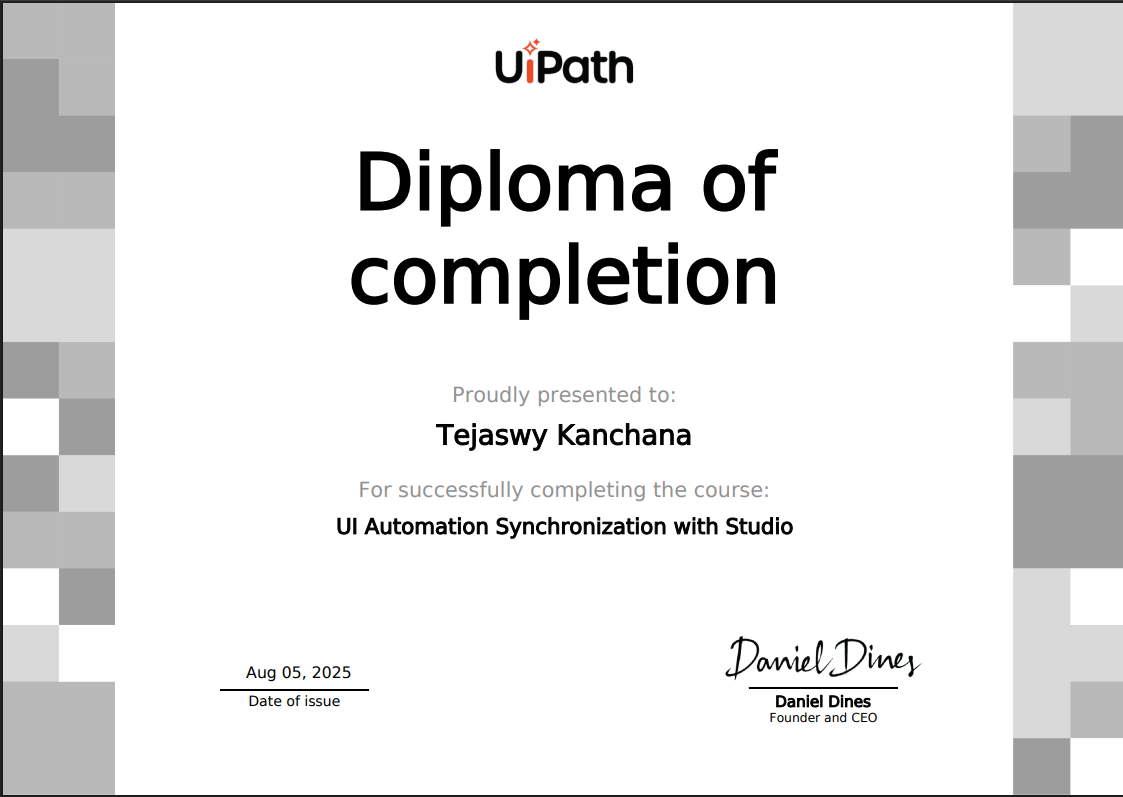
UI Automation Synchronization with Studio
UI Automation Synchronization in UiPath Studio focuses on ensuring automation workflows interact with applications at the correct time. It involves using waits, delays, and synchronization activities to handle application loading and dynamic UI behavior.
Proper synchronization improves automation reliability, prevents execution errors, and ensures smooth interaction between robots and applications.
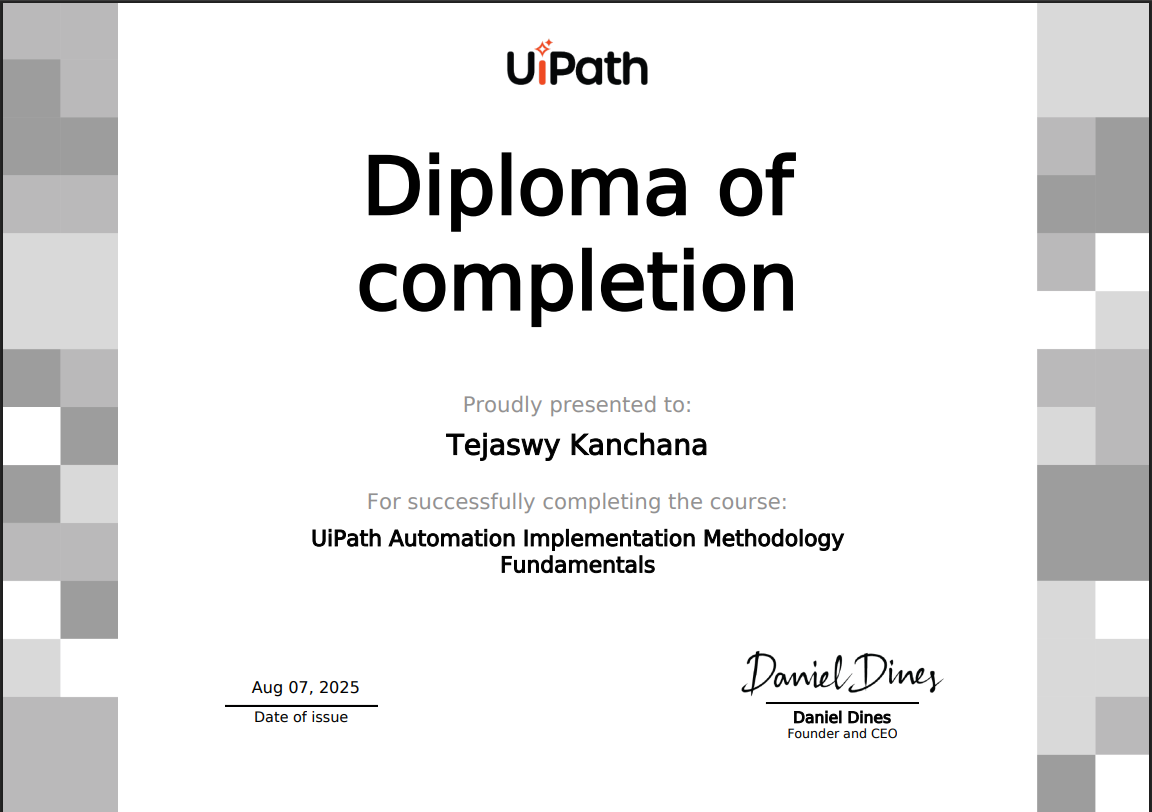
UiPath Automation Implementation Methodology Fundamentals
This course introduces the structured approach used to design, develop, and deploy automation projects using UiPath’s implementation methodology. It covers key phases such as process assessment, solution design, development, testing, and deployment.
Understanding this methodology helps developers deliver scalable, well-governed, and business-aligned automation solutions following industry best practices.
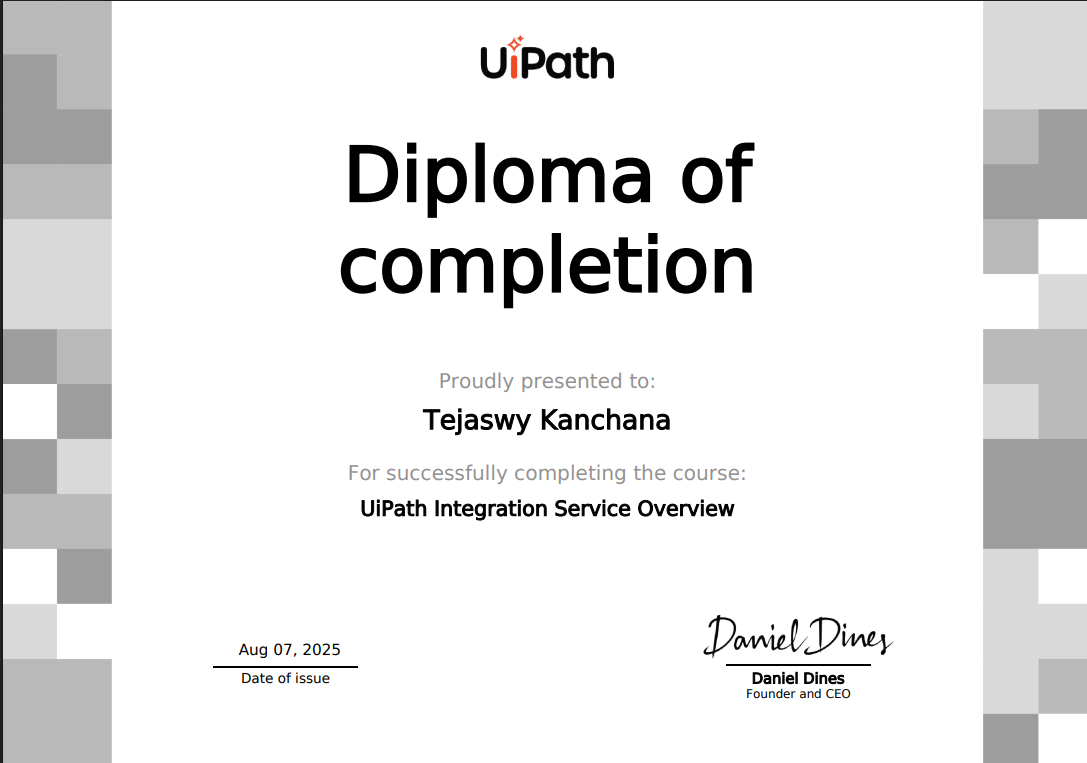
UiPath Integration Service Overview
UiPath Integration Service provides a centralized platform to connect automation workflows with external applications and services using APIs and prebuilt connectors. It enables seamless data exchange between systems without complex coding.
This capability helps developers build scalable automations that integrate business applications, cloud services, and enterprise platforms efficiently.
 Automation with Modern Design in Studio.png)
User Interface (UI) Automation with Modern Design in Studio
User Interface Automation with Modern Design in UiPath Studio focuses on automating interactions with desktop and web applications using the Modern Experience. It introduces advanced activities, improved selectors, and enhanced automation reliability.
This course teaches developers how to build stable, efficient, and user-friendly automation workflows by leveraging modern UI automation capabilities and best development practices.

Variables, Constants and Arguments in Studio
Variables, Constants, and Arguments in UiPath Studio are essential components used to store, manage, and transfer data within automation workflows. They enable efficient data handling and communication between different activities and workflows.
This course explains how to define and use variables for dynamic data, constants for fixed values, and arguments for passing information between workflows, helping developers build structured and reusable automation solutions.
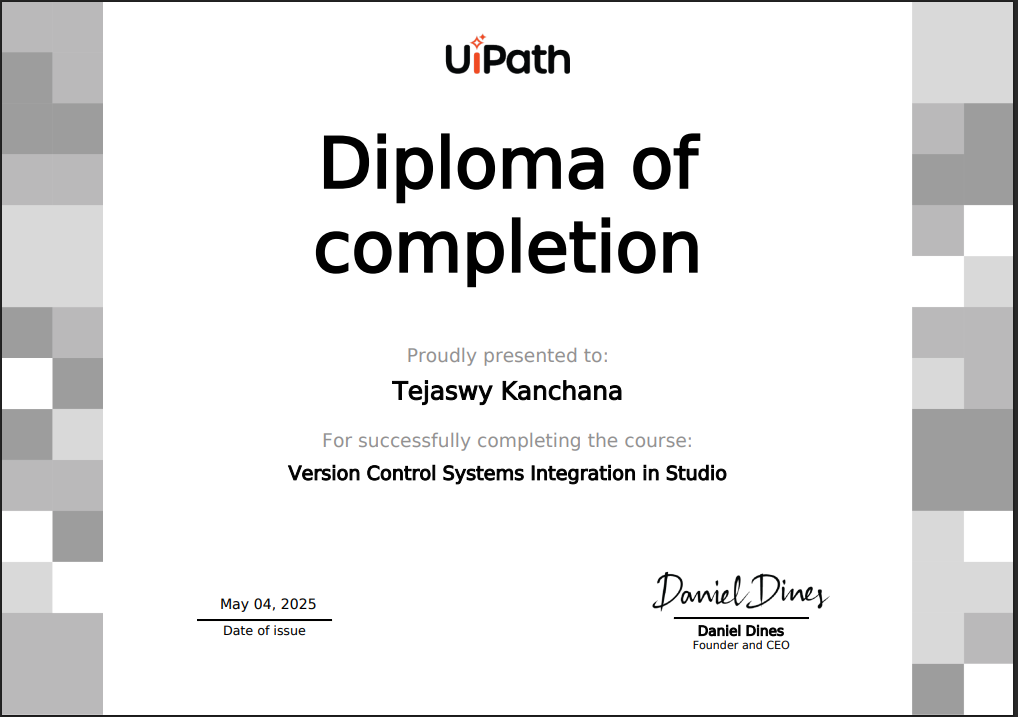
Version Control Systems Integration in Studio
Version Control Systems Integration in UiPath Studio focuses on managing automation projects using tools such as Git and other source control systems. It enables developers to track changes, maintain project history, and collaborate efficiently within teams.
This course teaches how to connect UiPath projects to version control repositories, manage branches, commit changes, and ensure organized and secure development workflows.

Workflow Analyzer in Studio
Workflow Analyzer in UiPath Studio is a tool used to evaluate automation projects against predefined development rules and best practices. It helps developers maintain coding standards, improve workflow quality, and identify potential issues early in the development process.
This course explains how to use Workflow Analyzer to enforce project guidelines, enhance maintainability, and build reliable enterprise-level automation solutions.

Working with Local Files and Folders in Studio
Working with Local Files and Folders in UiPath Studio focuses on automating file system operations such as creating, reading, copying, moving, and deleting files and directories. It enables developers to efficiently manage local data during automation execution.
This course teaches how to interact with the file system using built-in activities, helping build automation workflows that organize data, process files, and streamline document handling tasks.
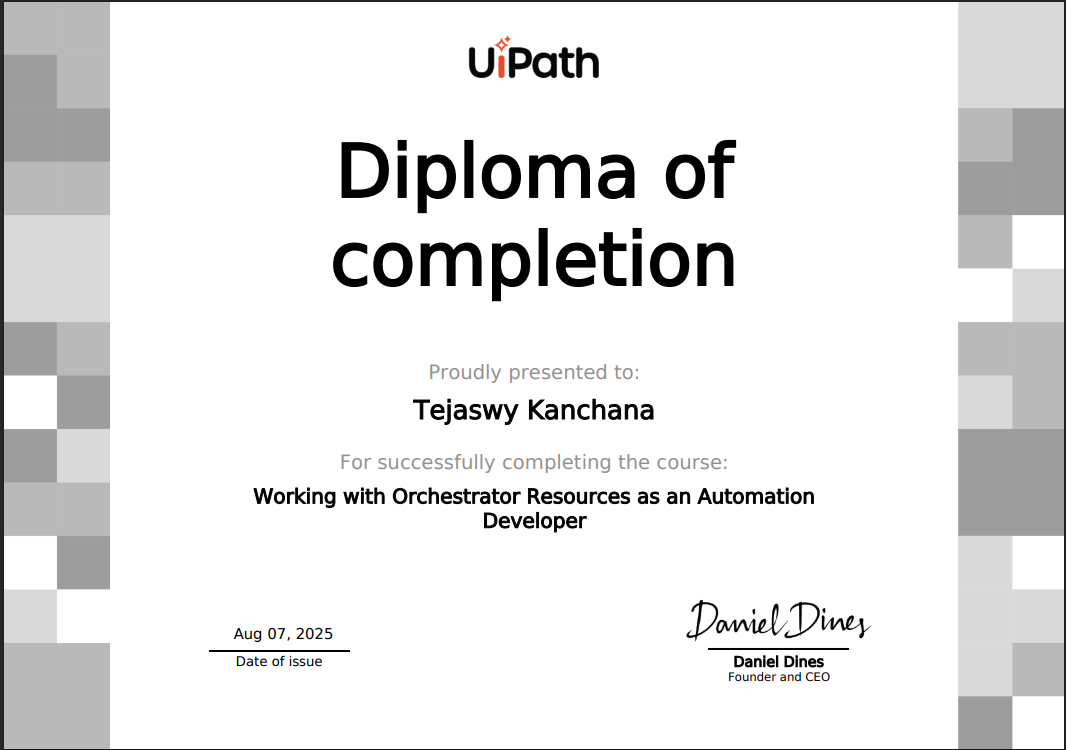
Working with Orchestrator Resources as an Automation Developer
Working with Orchestrator Resources focuses on managing automation assets, queues, robots, and processes using UiPath Orchestrator. It helps developers understand how to deploy, monitor, and control automation workflows in a centralized environment.
This course explains how automation developers interact with Orchestrator resources to ensure scalable, secure, and efficiently managed enterprise automation solutions.